
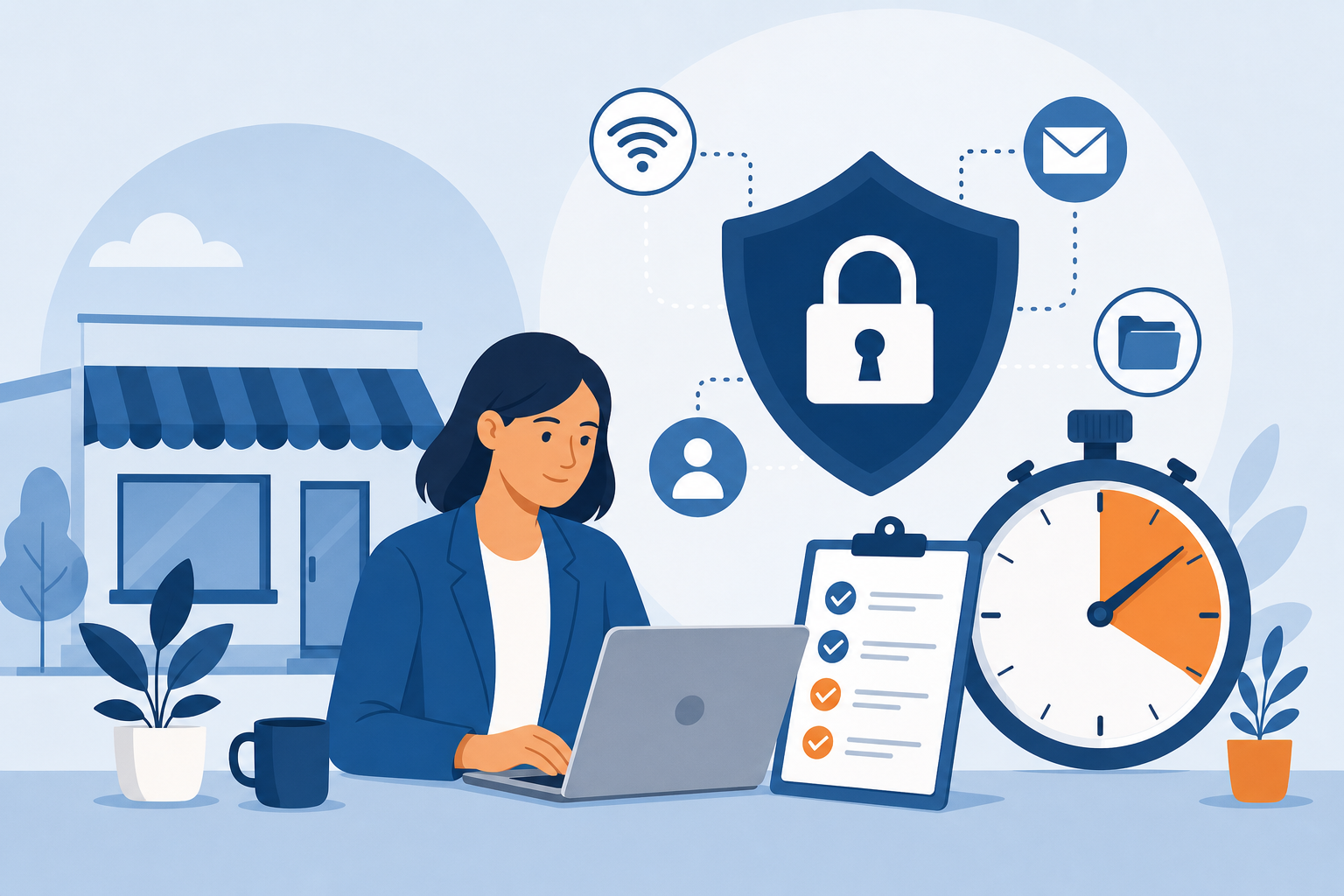
Most small business owners assume they’re too small to be a target. The truth is the opposite. Attackers favor small businesses precisely because they tend to have weaker defenses, fewer dedicated IT staff, and valuable data like customer payment details and login credentials. The good news? You don’t need an expensive consultant or a week of downtime to understand where you stand. This guide walks you through a practical cybersecurity risk assessment you can complete in about 30 minutes.
Grab a notepad or open a blank document, set a timer, and let’s improve your small business cybersecurity one step at a time.
Why a 30-Minute Cyber Risk Check Matters
A quick cyber risk check is not about achieving perfect security overnight. It’s about spotting the obvious gaps that attackers exploit most often. Studies consistently show that a large share of breaches begin with basic issues: weak passwords, unpatched software, and staff clicking malicious links. Fixing these fundamentals dramatically reduces your exposure.
Think of this exercise like a smoke detector test. It takes minutes, but it can prevent a disaster that could cost you thousands of dollars, damage your reputation, and even shut down your operations.
Minutes 1–5: Map What You Need to Protect
You can’t protect what you don’t know you have. Start by listing your most critical assets. Write down:
- Data: Customer records, payment information, employee details, and intellectual property.
- Systems: Your website, email accounts, point-of-sale terminals, and cloud storage.
- Devices: Laptops, phones, tablets, and any equipment that connects to your network.
For each item, ask a simple question: “What happens to my business if this is stolen, locked, or exposed?” The items with the most serious answers are your top priorities. For example, a bakery might rely heavily on its online ordering system, while a consultancy might depend most on confidential client files.
Minutes 6–12: Review Passwords and Account Access
Weak and reused passwords remain one of the easiest ways for attackers to get in. Take a few minutes to honestly evaluate your habits.
- Do you or your team reuse the same password across multiple accounts?
- Are any accounts still using default passwords from when the software was installed?
- Is two-factor authentication (2FA) turned on for email, banking, and cloud services?
If you answered “yes” to reuse or default passwords, that’s a red flag. The most effective fix is a password manager, which generates and stores unique, strong passwords so no one has to memorize them. Enabling 2FA on your most important accounts is arguably the single highest-impact step in this entire check. Even if a password is stolen, 2FA blocks most unauthorized logins.
Minutes 13–18: Check Your Software and Updates
Outdated software is full of known vulnerabilities that attackers actively scan for. Spend a few minutes confirming your systems are current.
- Are your operating systems set to install security updates automatically?
- Is your website software, including plugins and themes, up to date?
- Do you still use any programs that are no longer supported by the vendor?
Turn on automatic updates wherever possible. If you run a website on a platform like WordPress, outdated plugins are a common entry point, so remove any you no longer use. Unsupported software should be replaced, because it will never receive security fixes again.
Minutes 19–23: Evaluate Your Backups
Ransomware can encrypt your files and demand payment to unlock them. Reliable backups are your safety net, allowing you to recover without paying criminals. Ask yourself:
- Do I have automatic backups of critical data?
- Is at least one backup stored offline or in a separate cloud account?
- Have I actually tested that I can restore from a backup?
Many businesses believe they have backups, only to discover during a crisis that the files are corrupted or incomplete. Follow the 3-2-1 rule: keep three copies of your data, on two different types of storage, with one copy stored off-site. Then test a restore at least once so you know it works.
Minutes 24–27: Assess the Human Factor
Your employees are both your first line of defense and a common weak point. Phishing emails trick staff into revealing passwords or clicking dangerous links. Consider these questions:
- Has your team received any basic security awareness training?
- Do employees know how to spot a suspicious email or a fake invoice?
- Is there a clear process for reporting something that looks wrong?
You don’t need a formal program to start. A 15-minute team conversation about common scams, combined with a simple rule to verify any unusual payment request by phone, can prevent costly mistakes. For example, if a message appears to come from you asking an employee to buy gift cards or wire money urgently, they should confirm it directly before acting.
Minutes 28–30: Review Your Network and Devices
Finally, take a quick look at how your devices connect to the internet.
- Have you changed the default password on your router and Wi-Fi?
- Is your Wi-Fi network encrypted with WPA2 or WPA3?
- Do you offer a separate guest network so visitors don’t access your business systems?
- Is antivirus or endpoint protection installed on your computers?
These are small settings that make a real difference. A guest network keeps customer devices isolated from the laptops holding your financial data, and a strong router password prevents outsiders from hijacking your connection.
Turning Your Findings Into an Action Plan
Now that your 30 minutes are up, review your notes. You’ll likely see a mix of things that are already solid and a handful of gaps. Sort your findings into three groups:
- Fix today: Enable 2FA, change default passwords, and turn on automatic updates. These are quick and high-impact.
- Fix this week: Set up a password manager, verify your backups work, and secure your router.
- Fix this month: Run a short staff training session and document a simple incident response plan.
Write down who is responsible for each item and a target date. Assigning ownership is what turns good intentions into real protection.
Make This a Habit, Not a One-Time Task
Cybersecurity isn’t a project you finish; it’s an ongoing practice. Schedule this same 30-minute cyber risk check once every quarter. Threats evolve, you add new tools and staff, and settings sometimes change without you noticing. A recurring review keeps your defenses aligned with how your business actually operates.
You’ve just taken a meaningful step that many businesses skip entirely. By understanding your assets, tightening passwords, updating software, testing backups, training your team, and securing your network, you’ve closed the doors that attackers rely on most. Half an hour of focused effort today can save you from a breach that would take weeks and thousands of dollars to recover from tomorrow.
If you’d like to go deeper, SkillUpLearn offers practical cybersecurity courses designed specifically for small business owners who want protection without the jargon. Start with this check, build the habit, and grow your confidence from there.


