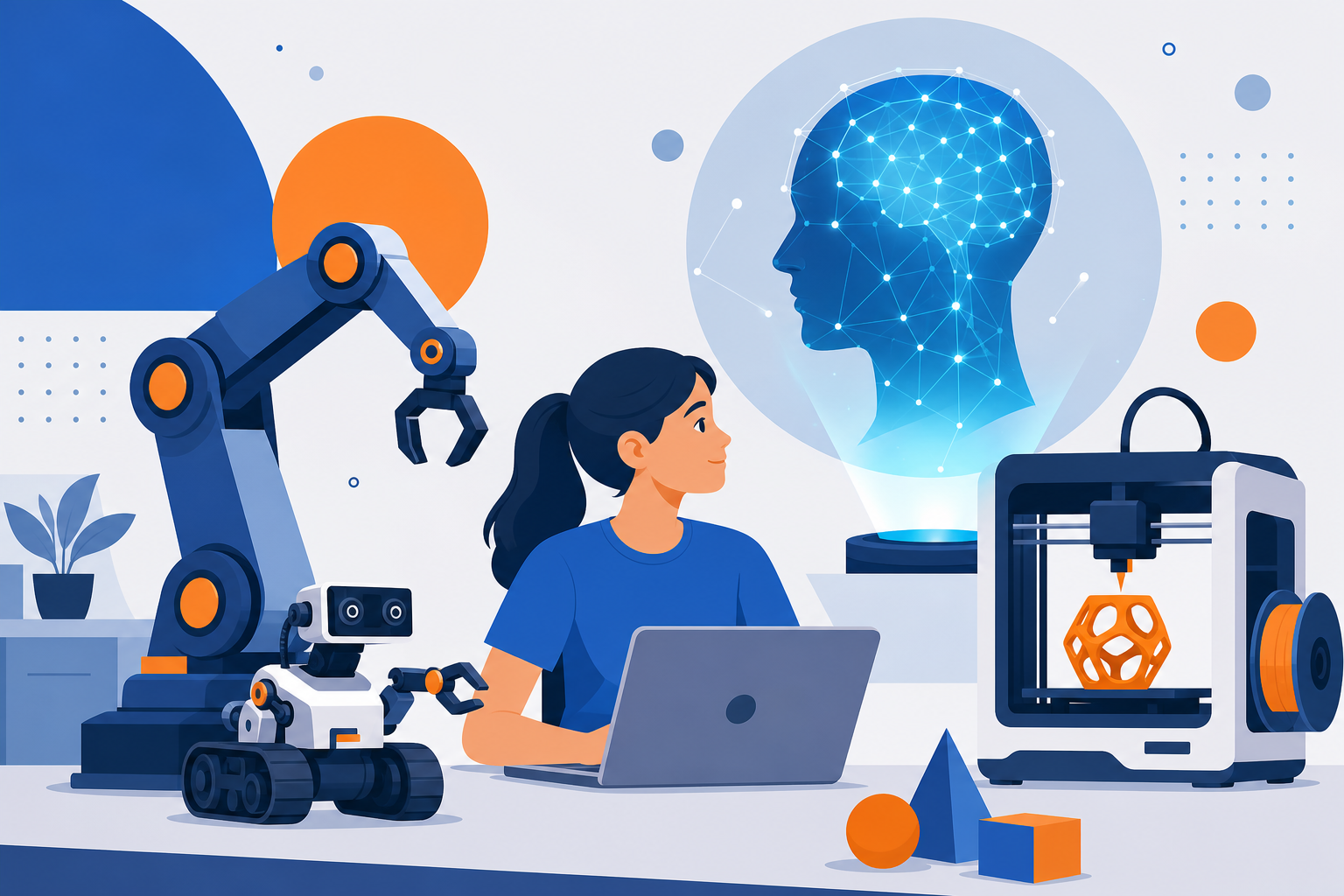
The STEAM classroom of 2026 looks very different from the one many of us remember. It is no longer enough to bolt a coding club onto a science curriculum and call it innovation. Today’s students need hands-on fluency with the technologies that already shape the workforce they will enter: robotics, 3D printing, and artificial intelligence. A modern STEAM program with robotics at its core prepares learners not just to use these tools, but to understand, question, and build with them.
This guide breaks down what a forward-looking STEAM curriculum should teach in 2026, with practical recommendations you can bring to a school, an after-school program, or even a home learning setup.
Why STEAM Needs an Upgrade in 2026
The pace of technological change has outrun many curricula. Generative AI moved from research labs to everyday tools in under three years. Affordable desktop 3D printers now sit in libraries and living rooms. Educational robotics kits have dropped in price while gaining sophistication. Students who graduate without exposure to these tools face a real disadvantage.
A strong STEAM program does more than teach technical skills. It develops problem-solving habits, creative confidence, and ethical awareness. The goal is not to turn every student into an engineer, but to give all learners the vocabulary and hands-on experience to participate in a technology-driven world. When robotics, 3D printing, and AI are taught together, they reinforce one another and mirror how real projects actually come to life.
Robotics: The Backbone of Applied STEAM
Robotics is the ideal entry point because it makes abstract concepts physical. When a student writes a line of code and watches a robot arm respond, the connection between logic and action becomes tangible. That immediate feedback loop keeps learners engaged and builds genuine understanding.
What a robotics track should cover
- Mechanical fundamentals: gears, motors, sensors, and how mechanical systems convert instructions into movement.
- Programming logic: starting with block-based tools like Scratch or the Lego Spike interface, then progressing to text-based languages such as Python.
- Sensor integration: teaching robots to respond to light, distance, sound, or touch, which introduces the idea of machines perceiving their environment.
- Iterative design: building, testing, breaking, and rebuilding, which is where the most durable learning happens.
A concrete example: challenge students to build a robot that navigates a maze using an ultrasonic distance sensor. They must define the logic for turning at walls, test repeatedly, and refine their code. Along the way they encounter geometry, debugging, and teamwork without ever being told they are studying those subjects.
3D Printing: Turning Ideas Into Objects
3D printing education completes the loop between imagination and physical creation. Where robotics teaches control, 3D printing teaches design and fabrication. Students learn that a digital model on a screen can become a real object they can hold, test, and improve.
Skills a 3D printing module should build
- Computer-aided design (CAD): beginner-friendly platforms like Tinkercad let younger students design confidently, while Fusion 360 offers depth for advanced learners.
- Spatial reasoning: thinking in three dimensions strengthens mathematical intuition and visual problem-solving.
- Material awareness: understanding filament types, print settings, and the trade-offs between speed, strength, and detail.
- Design for purpose: creating objects that solve a defined problem rather than printing decorative trinkets.
The real power emerges when 3D printing connects to robotics. Students can design and print custom wheels, brackets, or gripper attachments for the robots they build. This integration shows them that engineering is rarely about a single skill in isolation. A practical project might ask a team to design a prosthetic-style gripping hand, print the components, and mount them on a servo motor to grasp objects of different shapes.
AI in the STEAM Curriculum: Beyond the Buzzword
Bringing AI into a STEAM curriculum is where many programs hesitate, often because educators assume it requires advanced mathematics. It does not. The foundational concepts of artificial intelligence can be taught at every grade level with the right framing.
Age-appropriate AI concepts
- Pattern recognition: even young students grasp that machines learn from examples. Sorting activities and simple image classification demonstrate this clearly.
- Training data and bias: older students should explore how the data used to train a model shapes its behavior, and why biased data produces biased results.
- Machine learning in practice: tools like Google’s Teachable Machine let students train a model to recognize gestures or objects in minutes, with no coding required.
- Ethics and responsibility: discussing privacy, misinformation, and the appropriate use of AI is now essential, not optional.
AI also enhances the robotics and 3D printing work already underway. A student could train an image-recognition model so a robot sorts objects by color, or use an AI design assistant to generate structural ideas for a 3D-printed part. These projects show AI as a practical collaborator rather than a mysterious black box.
Bringing the Three Together: Project-Based Learning
The magic of a modern STEAM program is integration. Instead of teaching robotics on Monday, printing on Wednesday, and AI on Friday, design projects that require all three. This mirrors how technology functions in the real world, where disciplines constantly overlap.
Consider a capstone project: students build an automated recycling sorter. They design and 3D print a chute and sorting flaps, program a robotic mechanism to move items, and train an AI model to identify whether an object is plastic, paper, or metal. One project touches design, mechanical engineering, coding, machine learning, and environmental science.
Keys to effective project-based STEAM
- Start with a real problem that students care about, whether it is accessibility, sustainability, or their own school community.
- Allow productive failure and treat mistakes as data rather than defeat.
- Encourage documentation so students record their process, which builds communication skills and reflection.
- Celebrate iteration over perfection, since the second and third attempts teach the most.
Practical Steps to Launch or Upgrade Your Program
You do not need a massive budget to begin. Here is a realistic path forward:
- Start small: one robotics kit, one entry-level 3D printer, and free AI tools are enough to run meaningful projects.
- Invest in teacher training: the technology matters less than the educator’s confidence to guide exploration. Professional development pays the highest returns.
- Build a project library: collect ready-to-run challenges scaled by difficulty so students always have a next step.
- Partner and share: connect with local businesses, libraries, or online communities to pool resources and expertise.
Preparing Students for What Comes Next
The specific tools will keep changing, and that is precisely the point. A student who has designed, printed, programmed, and trained a model has learned how to learn new technology. That adaptability is the true outcome of a well-designed STEAM program in 2026. By weaving robotics, 3D printing, and AI into connected, hands-on projects, educators give young people the confidence to shape technology rather than simply consume it. Start with one project, embrace the messiness of real learning, and build from there.